
Schedule Apex Job
For Fielo to actually create the events you've configured, you'll need to schedule an Apex job.
Be sure you're logged in as a System Administrator user with the FieloTBEAdmin permission set assigned. Then, on the Fielo Time-Based Events app, click Schedule Job.

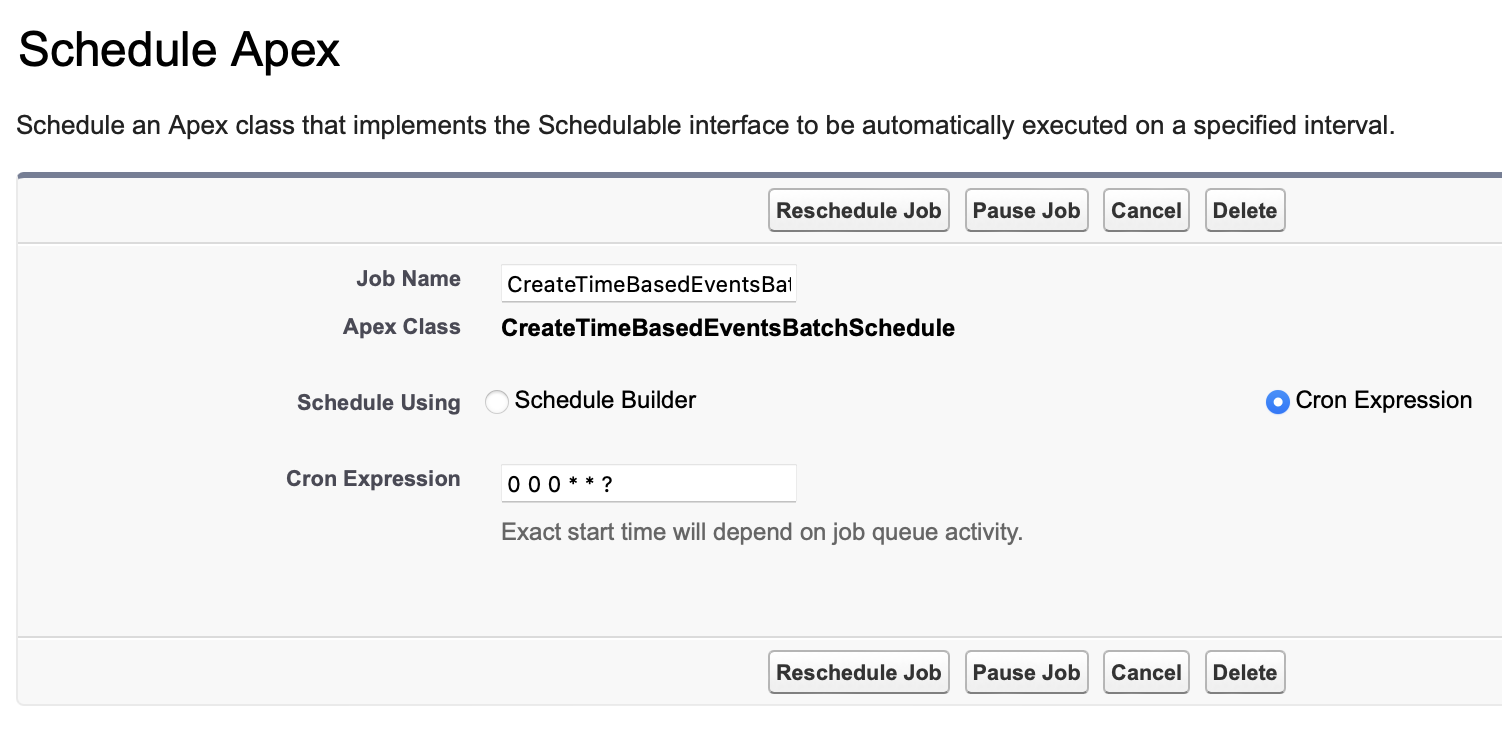
By default, the job will be scheduled to run at midnight. You can change this in Salesforce Setup > Environments > Jobs > Scheduled Jobs. Find the job and click Manage.
For testing purposes, you can also run the job manually by clicking Run job now on the Fielo Time-Based Events app.
Updated over 1 year ago
Did this page help you?