
Platform Components for Community Cloud
Learn how our components can give your Community Cloud users the best loyalty experience out there
Does your organization use Salesforce Community Cloud? With Fielo Lightning Components, you can build Fielo's best features into your Communities- based loyalty portal. They're easy to use. Simply drag and drop Fielo Lightning Components onto your pages in Community Builder and, voilà, watch your Members' loyalty and incentive experience come to life! Let's get started.
Browser CompatibilityTo ensure maximum compatibility, we recommend using Fielo Components with the latest version of Google Chrome.
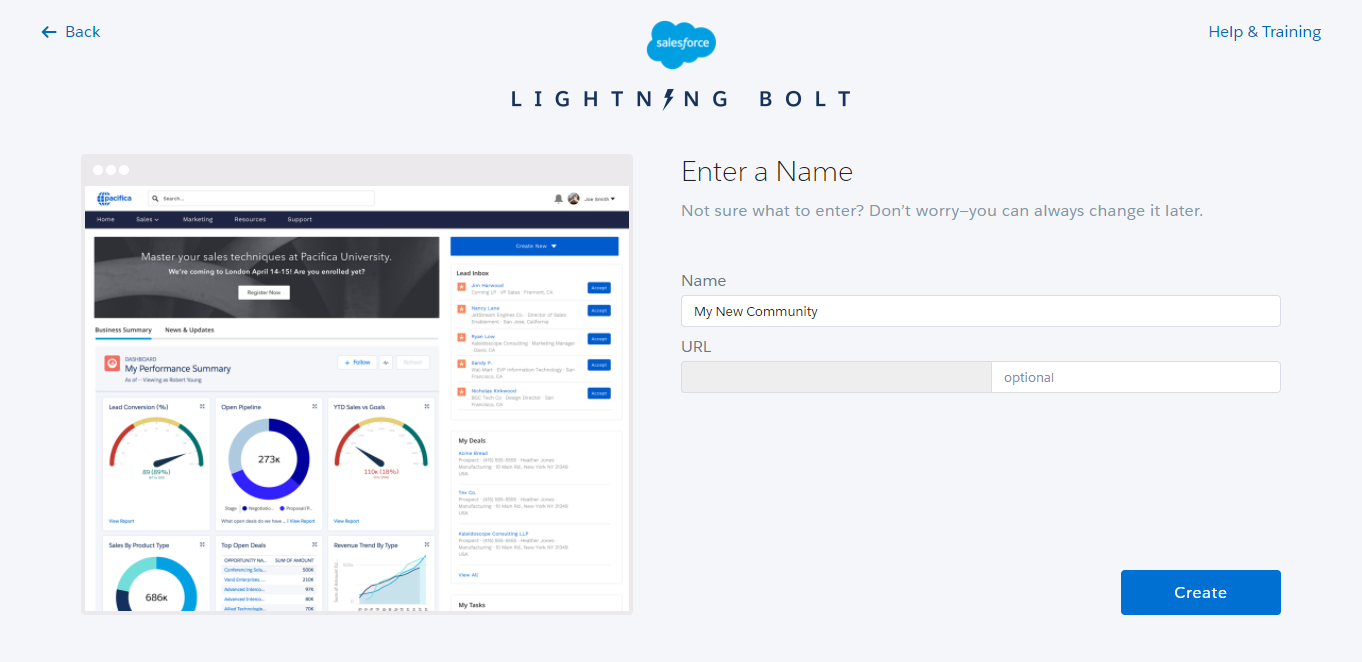
Creating a Salesforce Community
First thing's first: you must have a Salesforce Community set up in your ORG. Be sure that you've enabled Communities and have the requisite Community User Licenses.
You can get a quick introduction to Communities in the Community Cloud Basics Trailhead Module. Then, learn about rollout strategies in the Community Rollout Strategy Trailhead Module.
For a complete reference on creating a Community, check out Salesforce's Create Communities doc.
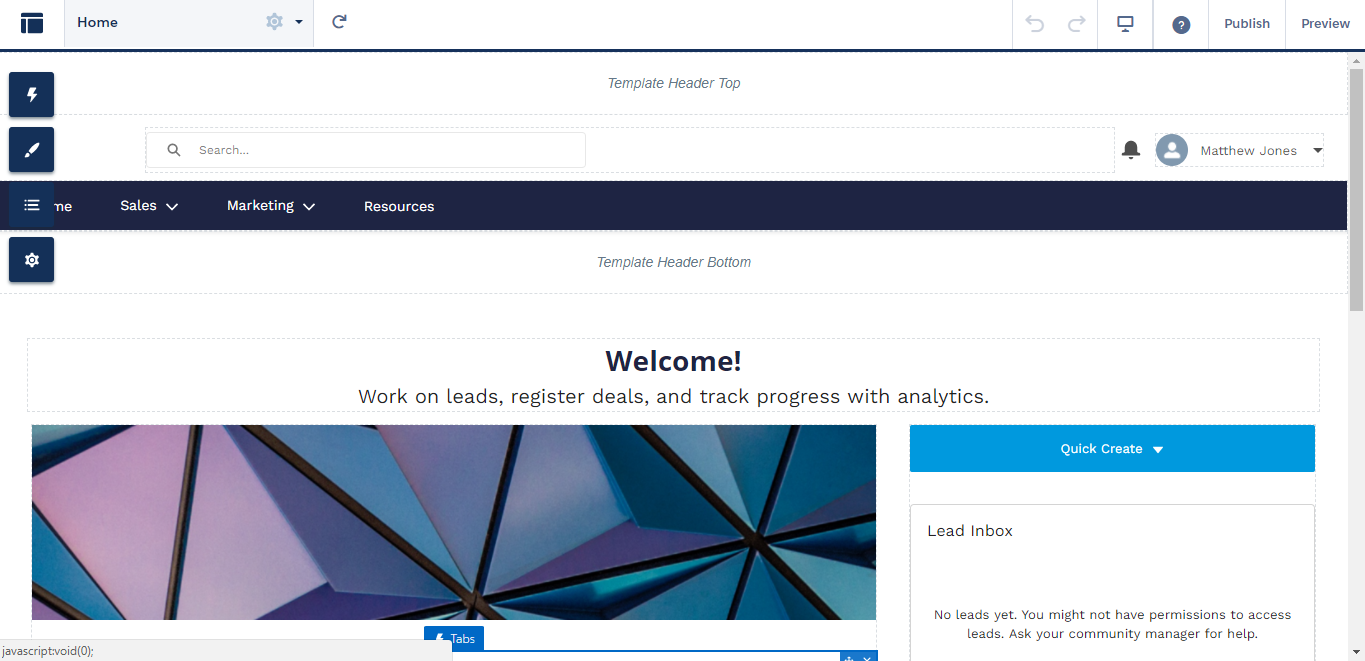
Getting Acquainted with Community Builder
Salesforce Community Builder is your tool for putting together an amazing loyalty portal for your Members. In it, you can set up the page structure of your loyalty portal, add and edit content and much more. Take a look at Salesforce's Community Builder docs to learn about all of the features at your disposal.
Adding, Moving and Removing Lightning Components
Salesforce Lightning Components are very intuitive to add, move and remove. From any page in your Community Builder, select the icon to see what components are available.
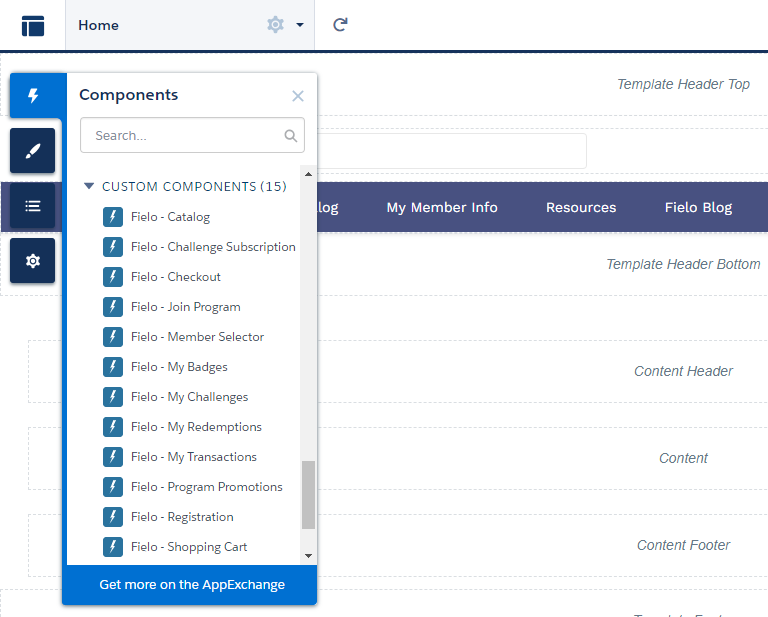
Lightning Components Menu
To add a component, click and drag it to the area of the page you would like to place it.
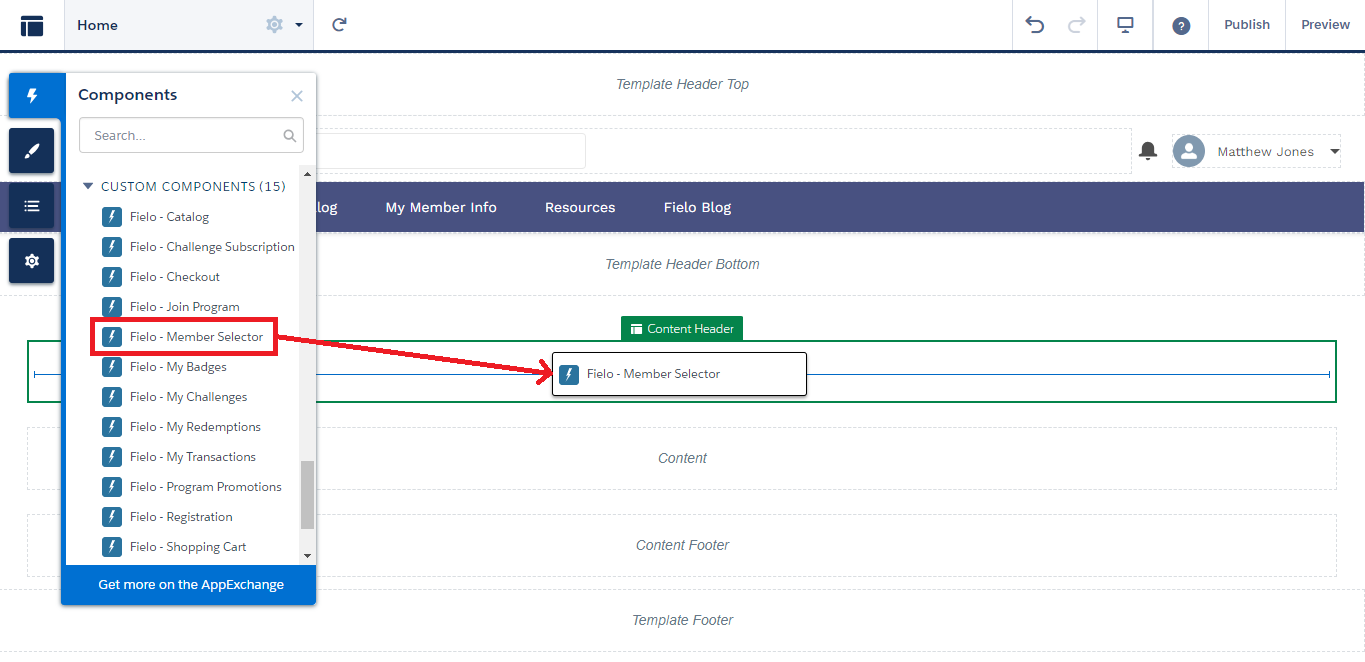
To move a Component, click and hold on the icon and drag it to the desired location.

To remove a Component, click on the icon.

To duplicate a Component or assign one to a Salesforce Audience, click on in its properties window and select the desired option.
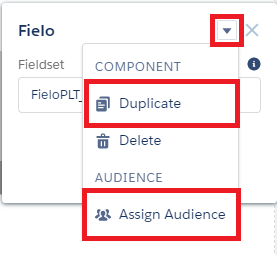
Component Dropdown Menu
Activating Your Community
If you're starting your Community from scratch, you'll want to be sure to activate it when you've finished building out your loyalty and incentive content. See Salesforce's Activate Your Community doc for details.
Remember that when you activate a Community, it will be go live on the Internet and a welcome email will be sent to any Users that have a Profile associated with the Community.
Fielo Lightning Components
Now, we'll take a deep dive into all of the ways your loyalty portal can leverage Fielo loyalty and incentive solutions.
Updated over 1 year ago
What's next
If you're deploying a brand new loyalty portal, start with Registration.
If you're looking to enable registered users of a preexisting Community to join a Fielo Program, check out Join Program.